Welcome to FontCraft
Your handwriting is unique. FontCraft helps you turn it into a real font you can use anywhere—in your designs, on your website, or in your favourite apps. No design experience needed.
Your First Look
When you sign in, you'll see your dashboard. Here's where all your font projects live.
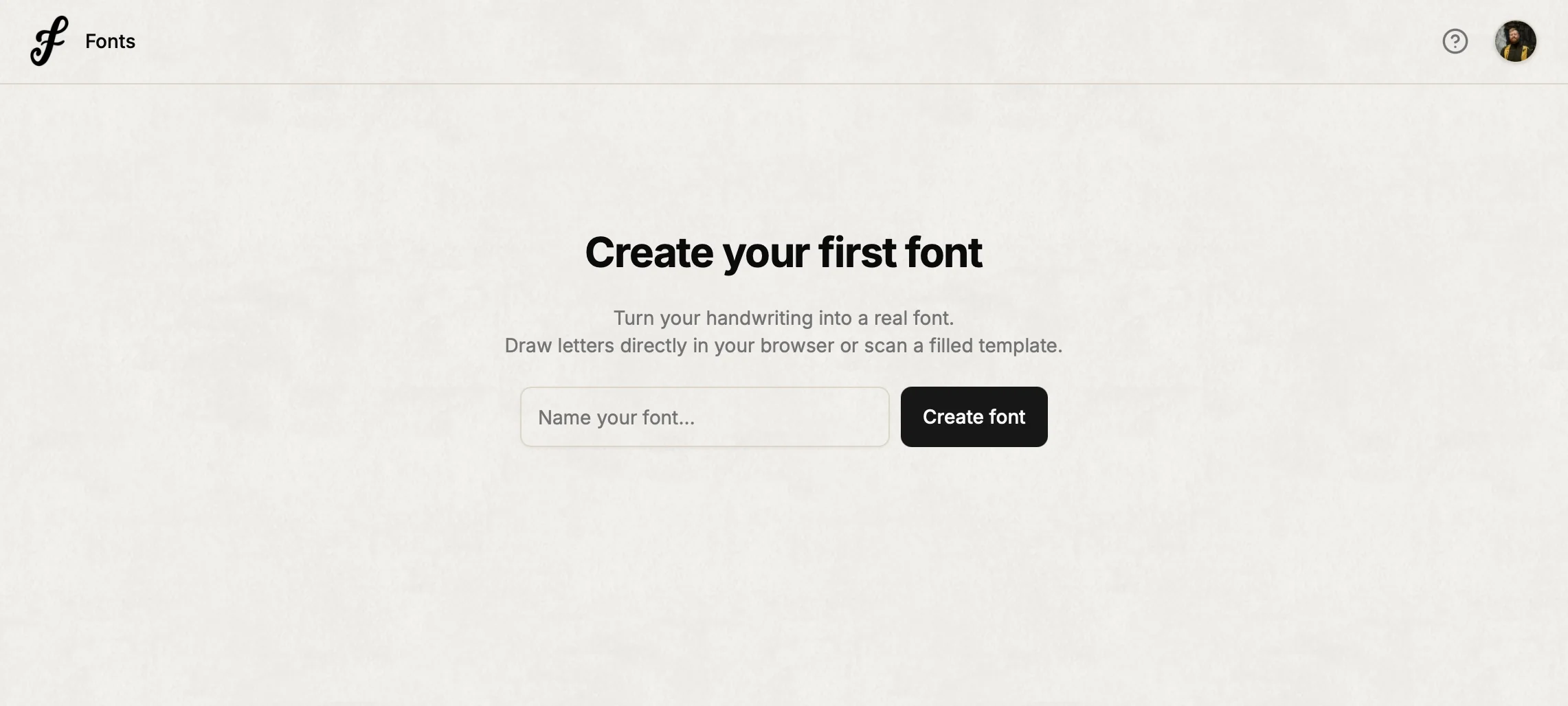
New here? You'll see a simple prompt to create your first font. Type a name (like "My Handwriting" or "Coffee Shop Script") and tap Create font. FontCraft takes you straight to the drawing page.
Already have fonts? Each project shows up as a card with a preview of how your letters look in a sentence. Tap any card to open it. Want to start another? Tap New font in the bottom-right corner.
The Three Steps
Making a font in FontCraft is three simple steps:
1. Draw
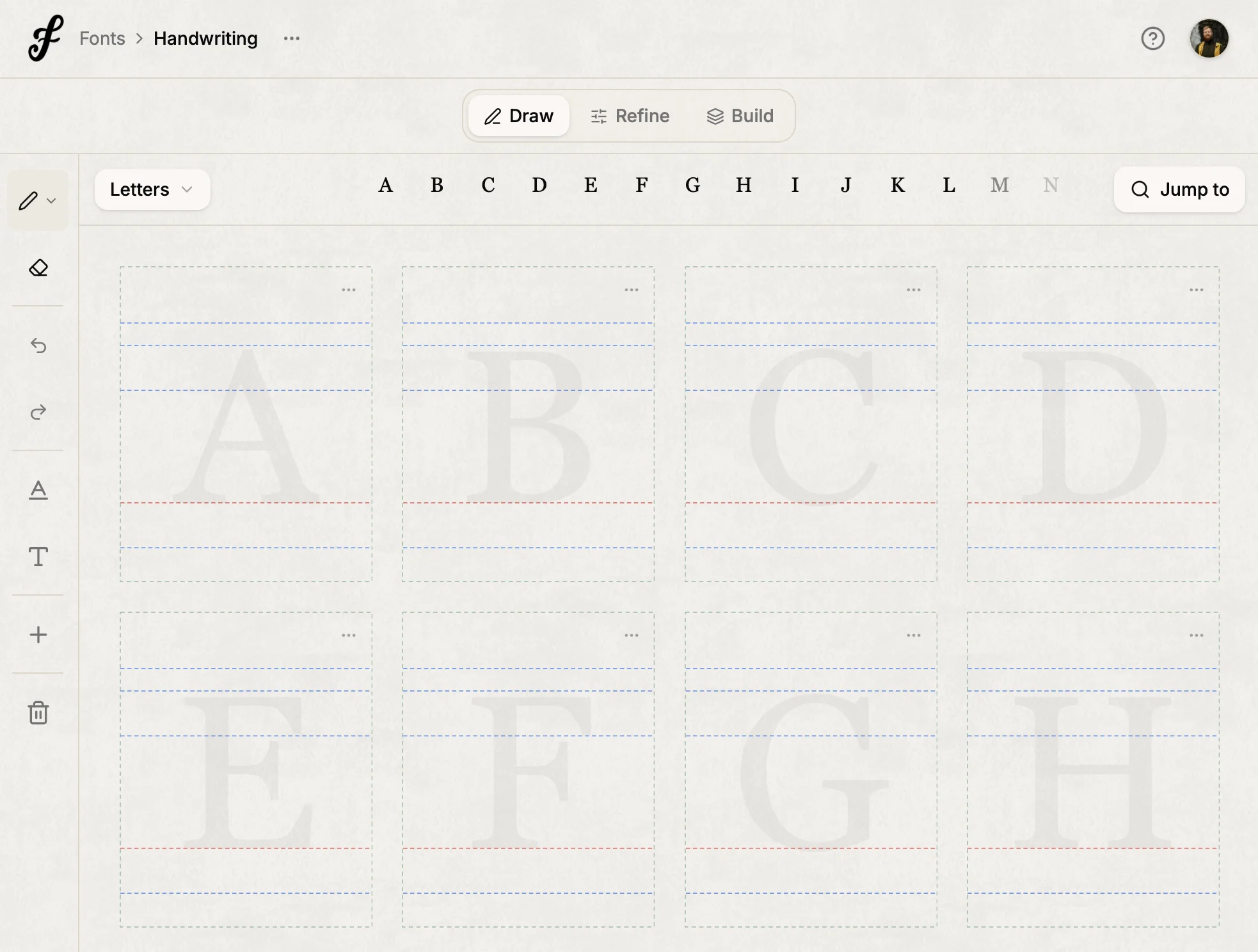
This is where the magic happens. Draw each letter in its own little box—just like you'd write on paper. Start with the lowercase letters (a through z). You can draw with your mouse, trackpad, or Apple Pencil on iPad.
2. Refine
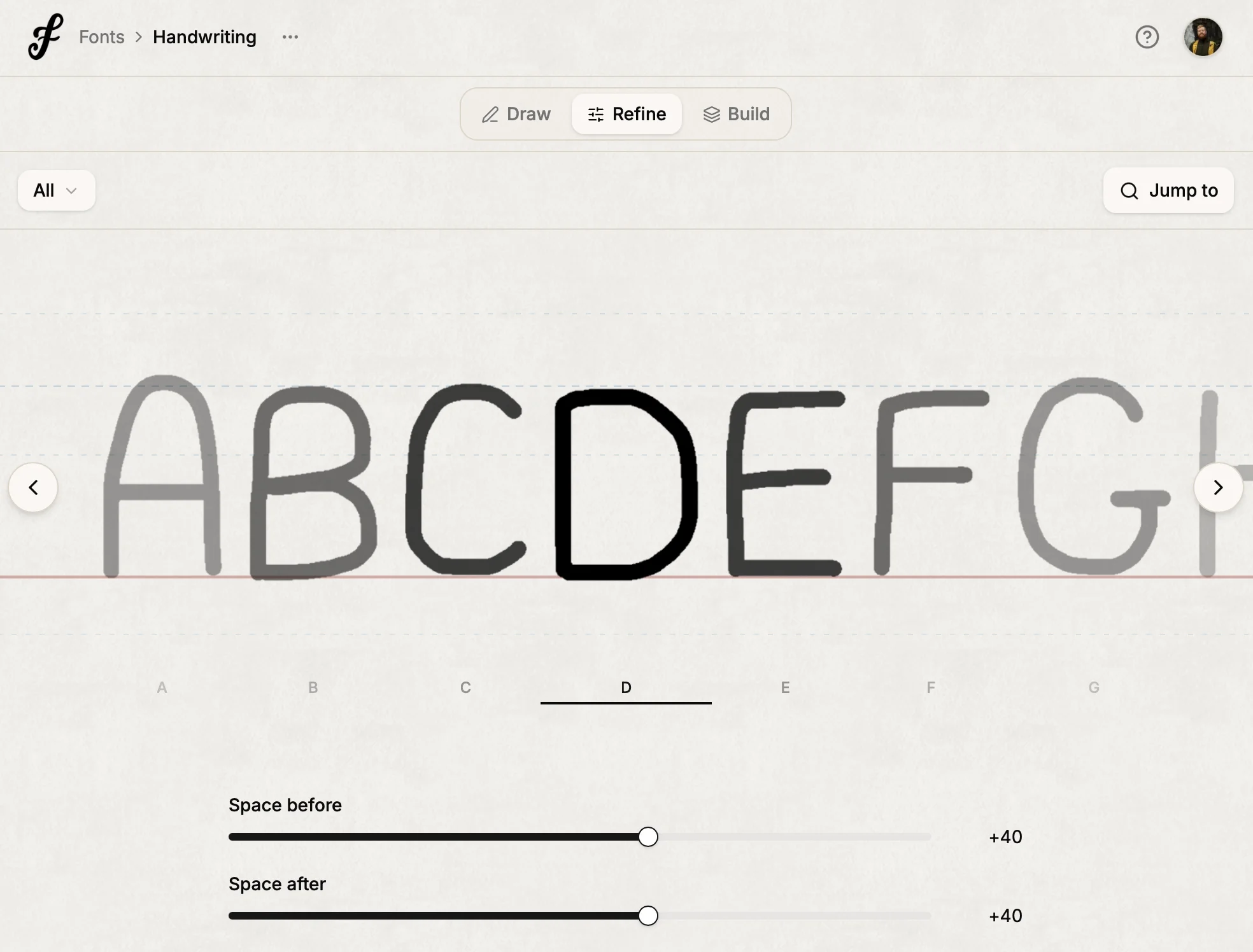
Once your letters are drawn, you might notice some look too close together or too far apart. The Refine step lets you tweak the spacing with simple sliders—no guesswork. You'll see your changes update in real time.
3. Build
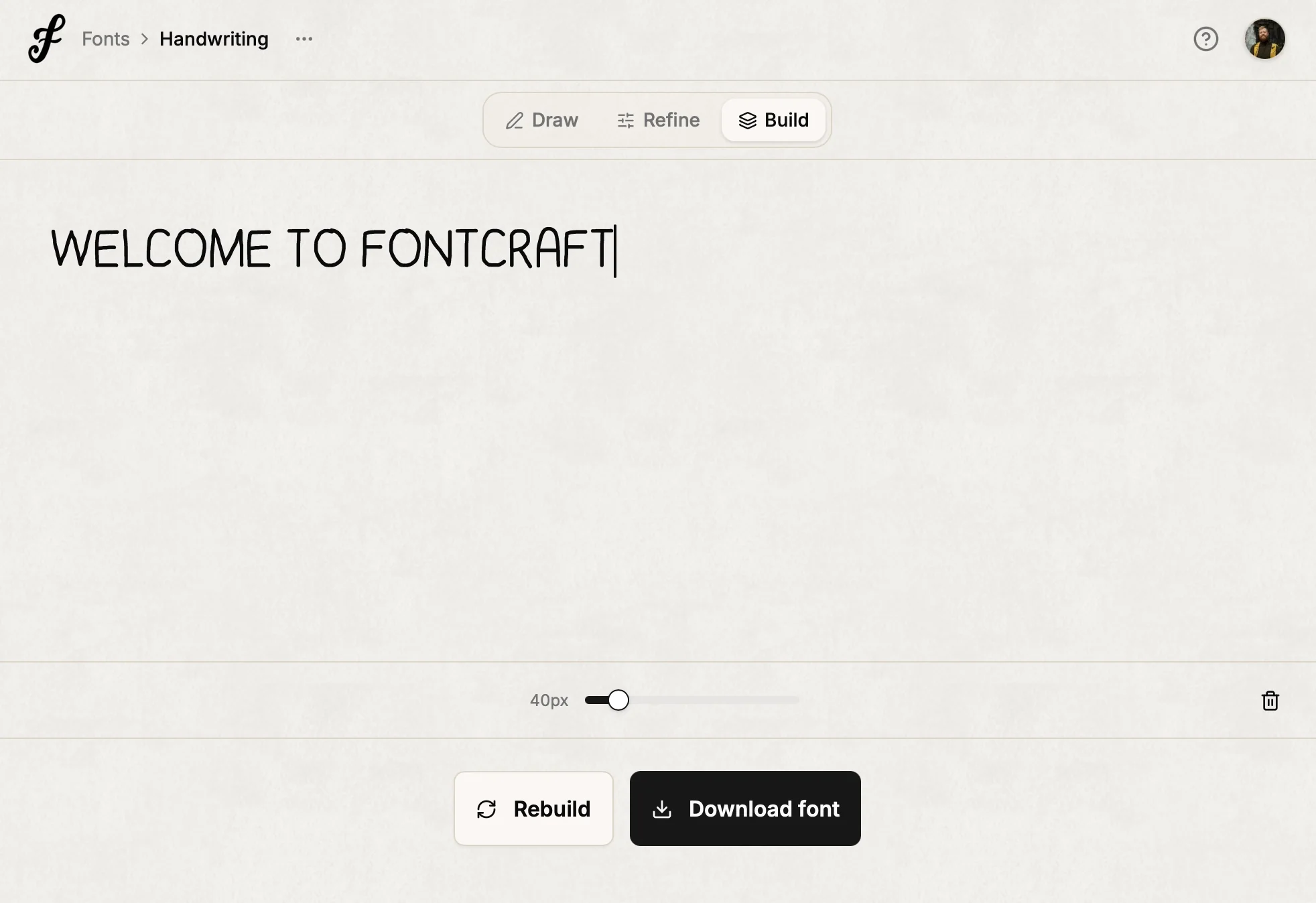
When you're happy with how it looks, go to Build and tap Build. FontCraft puts everything together. In a few seconds, you'll have a font file ready to download and install on your computer or iPad.
What's Next?
- Drawing your letters — Tips for getting the best results
- Choosing a pen style — A helpful guide for customizing your pen
- Refining your font — How to fix spacing and alignment
Questions?
How many fonts can I make? Free accounts get one font project. Creator and Pro plans have unlimited projects. See Plans and pricing for the full details.